
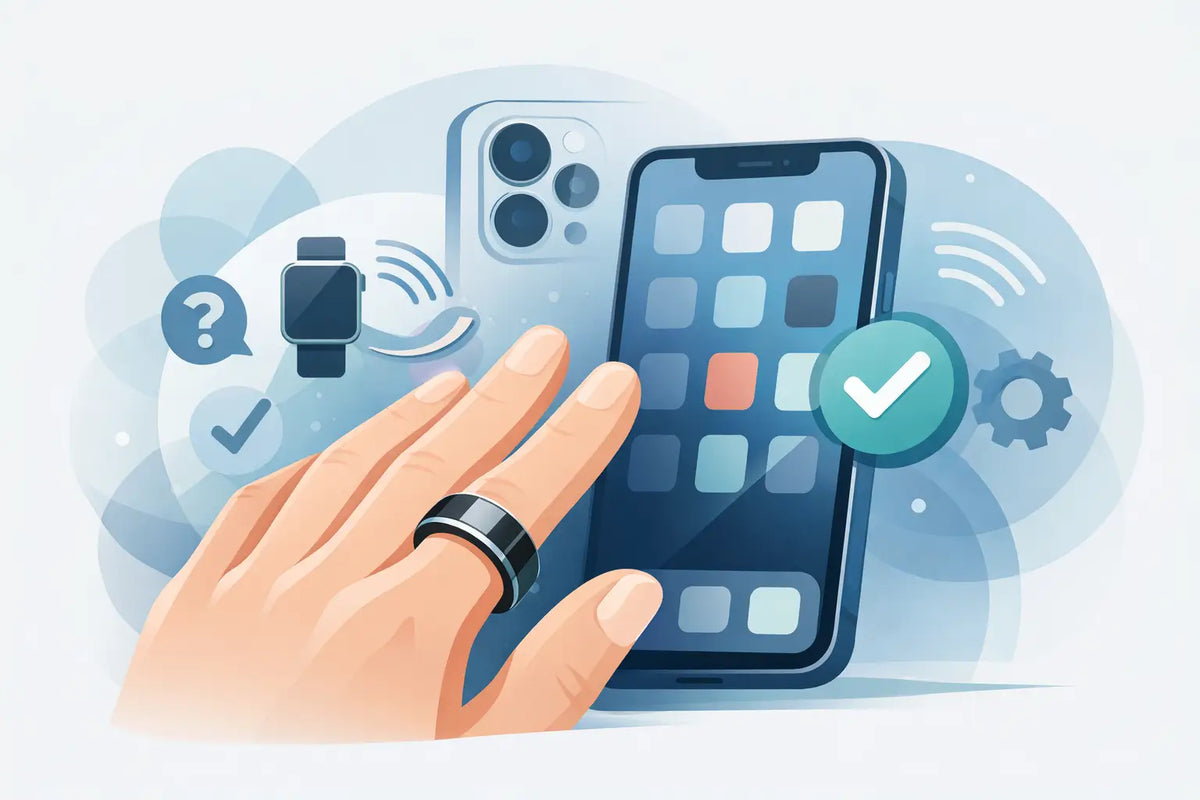
A smart ring shouldn't feel like another tech project. It should accompany your nights, movement, and recovery in the background - and show the data exactly where you already look at it: on your iPhone. That's why searching for "smart ring with iPhone compatibility" is about more than a Bluetooth connection. The key is whether the app, iOS version, and your personal health goals really fit together.
A good smart ring makes health data practical for everyday life. You wear it while sleeping, at the office, or on a walk, while your iPhone prepares the analysis clearly for you. To make sure this experience is convincing from the start, a quick compatibility check before purchase is worth it.
What does smart ring with iPhone compatibility mean?
Compatible means first of all: The ring can be connected to an iPhone via Bluetooth and its associated app is available in the App Store. In addition, it depends on which iOS version is required at minimum and whether the app runs reliably on your specific device.
The connection itself is usually uncomplicated. You download the ring app to your iPhone, enable Bluetooth, create a user account, and pair the ring according to the instructions in the app. After that, the ring synchronizes the recorded values with your smartphone. Depending on the model, this happens when opening the app or partially automatically in the background.
But above all, the result matters to you: Your sleep phases, heart rate, activity, steps, recovery values, or temperature trends should be clearly displayed. Data is only helpful if you can see at a glance what they mean for your everyday life. Has your sleep improved? Was your training appropriate today? Do you need more rest after a restless night rather than another appointment?
The four iPhone points you should check before purchase
Not every iPhone and not every ring app offers the same range of functions. Therefore, check these four points before making your decision:
- iOS requirement: Check which iOS version the ring app requires at minimum. An older iPhone can continue to work well as long as it supports this version.
- App Store availability: The official app should be available for Germany and receive regular updates. This speaks for it continuing with new iOS versions.
- Bluetooth connection: Modern smart rings usually use Bluetooth Low Energy. This saves the battery and is designed for daily synchronization.
- Apple Health connection: If you want to manage health data centrally, check whether and which values can be shared with Apple Health.
This is not a disadvantage. On the contrary: The ring app can often provide you with a more detailed interpretation, while Apple Health serves as a personal data collection. The key is that you know beforehand which view you prefer.
Why a smart ring fits into everyday iPhone life
The iPhone is for many people the central companion for work, communication, and organization. A smart ring complements exactly this everyday life without requiring additional screen time. It measures discreetly on the finger, while the analysis takes place on the device you already use.
This makes it particularly attractive for people who don't want to wear a watch while sleeping or want to keep their wrist deliberately free. A ring is discreet, light, and fits a business look, leisure, and training. Instead of constantly looking at a display, you can check your values when it makes sense for you - for example, in the morning with coffee or after a workout.
For sleep optimizers, this combination is particularly interesting. Sleep is not a single value that you "win" in one night. It shows itself in patterns: regular sleep times, rest phases, exertion, and recovery. A ring can make these developments visible, the iPhone makes them understandable. This is how abstract numbers become small, realistic decisions for your next day.
Apple Health: Practical, but not the only criterion
Apple Health is an important topic for many iPhone users. The app bundles health and activity data from various sources. If your smart ring can share data such as steps, heart rate, or sleep there, a broader overview is created.
Nevertheless, you should not base the compatibility solely on Apple Health. A smart ring can offer a very good iPhone experience, even if individual data only appears in its own app. Often, the functions that make the ring particularly valuable are located there: individual trends, daily evaluations, sleep analyses, or tips for regeneration.
Therefore, it is better to check which data you really want to use. Who wants to understand their sleep routine better above all will benefit from a clear sleep view in the ring app. Who combines several wearables may place more value on the central storage in Apple Health. Both are legitimate - it depends on your everyday life, not on a generally better solution.
How to succeed with the setup on your iPhone
After unpacking, it usually only takes a few minutes until the first connection. First charge the ring fully and then install the official app. Enable Bluetooth on your iPhone and allow the app the requested permissions only to the extent that fits your usage.
Then you carry out the pairing directly in the app. Important: Do not connect the ring too quickly via the general Bluetooth list in the iPhone settings if the instructions expressly provide for setup via the app. Many wearables are correctly recognized and managed there.
Enter your basic data carefully during setup. They help the app to interpret trends better. After that, the ring needs some time to develop a feel for your personal rhythm. The first night provides a start, but after several days and weeks, the changes become significantly more meaningful.
If the connection stalls once in a while, three simple steps often help: hold the ring and iPhone close together, briefly turn Bluetooth off and on again, and check the app for updates. Also, a restart of the iPhone can solve small connection problems. Persistent difficulties should of course be clarified via customer support - a good provider helps quickly and understandably.
Compatibility is also a question of the right size
The best app brings little if the ring does not fit comfortably. For reliable measurements, it should lie securely on the finger without pressing or constantly turning. Fingers can change during the day, for example through heat, sports, or in the morning after sleeping. Therefore, the right size is a real part of the user experience, not just a detail at purchase.
A digital ring measuring tool or a size set reduces uncertainty before ordering. Take some time for it and test on which finger the ring feels natural during the day and at night. Especially if you want to wear the ring for sleep data, comfort decides whether you use it consistently.
The Fitorb™ Smart Ring Pro combines stylish, discreet design with health and activity tracking for everyday life. Free exchange in case of a wrong ring size and a test phase additionally give you the freedom to find out whether size, wearing comfort, and app experience really fit you.
Choose privacy and permissions consciously
Health data is personal. Therefore, check during setup which permissions the ring app requests and which data you want to share with Apple Health. You do not have to activate every permission just because it is available.
A simple rule is useful: Share the data that brings you a concrete added value. If you want to see your sleep values in Apple Health, activate this synchronization. If you prefer to keep the detailed analysis exclusively in the ring app, that is also a good decision. You keep the control.
The best smart ring for your iPhone is ultimately not the one with the longest feature list. It is the ring that you like to wear, whose app you understand, and whose data helps you listen to your body. When these three things come together, health monitoring does not become more complicated - but simply part of your day.


Leave a comment
This site is protected by hCaptcha and the hCaptcha Privacy Policy and Terms of Service apply.