
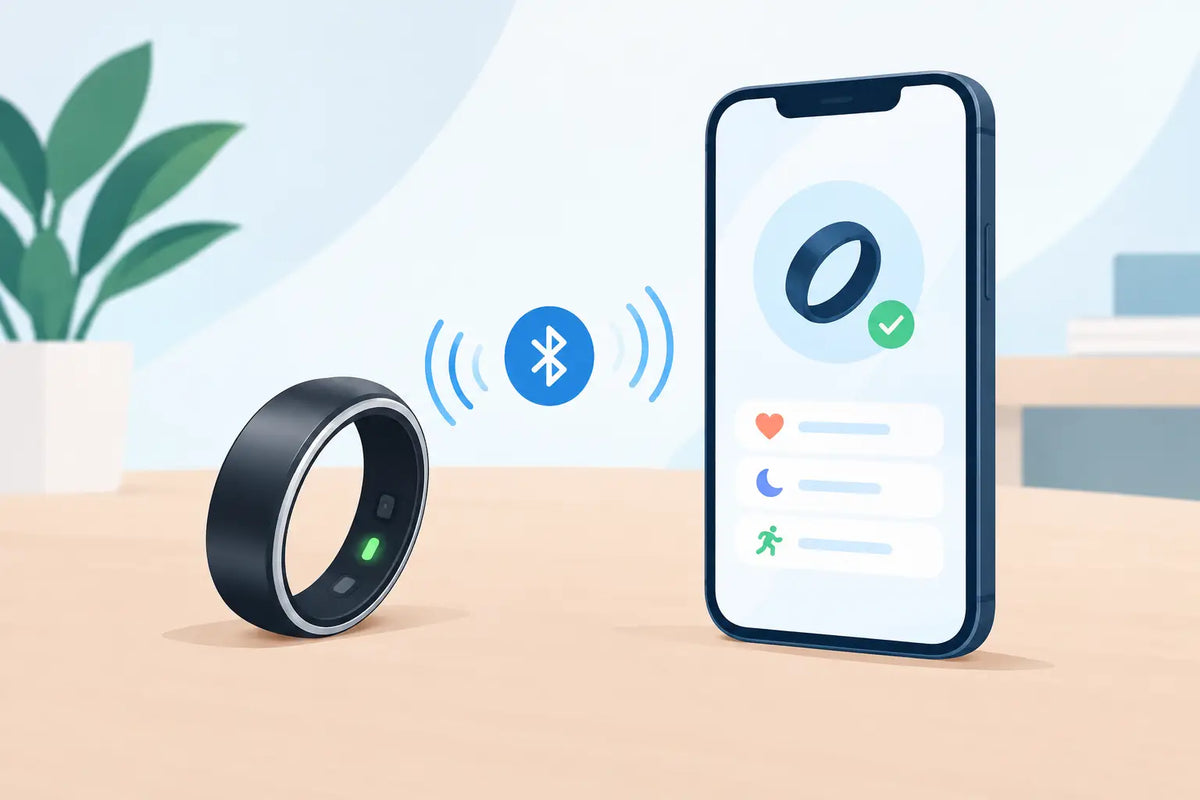
The ring fits perfectly on your finger, is charged, and ready for its first use. Now there is only one step left: pairing the smart ring with your smartphone. This usually takes just a few minutes—provided that Bluetooth, the app, and permissions are working together. After that, your sleep, activity, and other health metrics will be clearly visible on your smartphone.
A smart ring is meant to simplify your everyday life, not hold you back with complicated technology. That is why it is worth taking the time to set it up properly. This way, you start with reliable data and avoid typical connection problems from the outset.
Pairing Your Smart Ring with Your Smartphone: Preparation
Charge the ring as fully as possible before the first connection. While many models can be paired with a low battery, a full charge prevents the setup process from being interrupted halfway through. Also check that your smartphone is running the latest operating system version.
Next, install the correct app for your ring from the App Store or Google Play Store. Important: Always use the manufacturer's app, not just any fitness app with a similar name. This is the only way all measurements, settings, and firmware updates can communicate correctly with your ring.
Turn on Bluetooth on your smartphone and place the ring right next to it. A distance of a few centimeters is ideal. If your smartphone is already connected to many Bluetooth devices, such as headphones, speakers, or your car, it may help to temporarily disconnect them. This makes it easier to find the device.
How to Connect Your Ring and App in a Few Steps
Open the app and create a user account if necessary. This account stores your data and ensures that your personal settings are not lost if you switch smartphones. Only enter details such as age, height, or weight when the app asks for them. This helps the app interpret your activity and health data more individually.
In the app, select the section for adding a new device. Depending on the manufacturer, this may be called "Connect Device," "Add Ring," or "Pair New Wearable." The app will now start searching for available rings nearby.
As soon as your smart ring appears, tap the device name and confirm the connection. Some models may also require a brief confirmation on the screen or display a code. Simply follow the app's instructions. During this process, keep the app open and do not remove the ring from your smartphone.
After a successful pairing, the first synchronization usually begins. During this process, the ring transmits its battery level, basic settings, and any data it has already collected. You can then customize notifications, measurement goals, and preferred views. The most important step is complete: your ring and smartphone are now working together.
Do Not Reject Permissions Too Quickly
When you first launch the app, it often asks for permissions for Bluetooth, notifications, motion, and, if applicable, health data. These requests may seem technical, but they serve a practical purpose. Without Bluetooth permission, the app cannot find the ring. Without permission to send notifications, you may not receive alerts about a low battery or a completed synchronization.
Which permissions make sense depends on how you want to use the ring. If you only want to view sleep data, you do not need to grant every optional permission. If you want to consolidate your activity in a central health app, you should enable the corresponding interface. You retain control and can change the settings at any time later.
Why Synchronization Is So Important
The ring measures data directly on your finger, while the app analyzes it. Only through the connection can you recognize patterns: How restful was your sleep? When are you particularly active in your daily life? Does your resting heart rate change over several days? Individual data points are interesting, but trends provide the crucial context.
Regular synchronization ensures that your view remains up to date. Many smart rings store data internally first and transmit it as soon as the app is opened and Bluetooth is active. Therefore, you do not need to monitor every measurement live. This is one of the great advantages of a discreet wearable: the ring collects data unobtrusively while you work, exercise, or sleep.
For the most meaningful results, wear the ring every day, preferably on the same finger. A too loose fit can impair measurement quality because the sensors cannot maintain constant contact with your skin. A ring should fit comfortably without constantly rotating or slipping off easily when you wash your hands.
If Your Smart Ring Will Not Connect
Not every pairing works on the first try. This can be frustrating, but it is usually solvable in a few simple steps. Close the app completely and open it again. Then check that Bluetooth is actually turned on and that the ring is sufficiently charged.
If that does not help, restart your smartphone. Only remove the ring from your phone's Bluetooth settings if the manufacturer's app instructs you to do so. For many wearables, the connection is intentionally established within the app. Pairing manually via the general Bluetooth list can even disrupt the process.
Also check whether the ring is still connected to another smartphone or tablet. A ring can often only be actively paired with one device at a time. Disconnect the old connection in the app before switching.
These four causes are particularly common reasons for a connection failure:
- The ring app is not up to date.
- Bluetooth or location permission is disabled.
- The ring is out of Bluetooth range or its battery is almost empty.
- The smartphone's operating system is blocking a required permission.
Switching Smartphones: How to Take Your Data With You
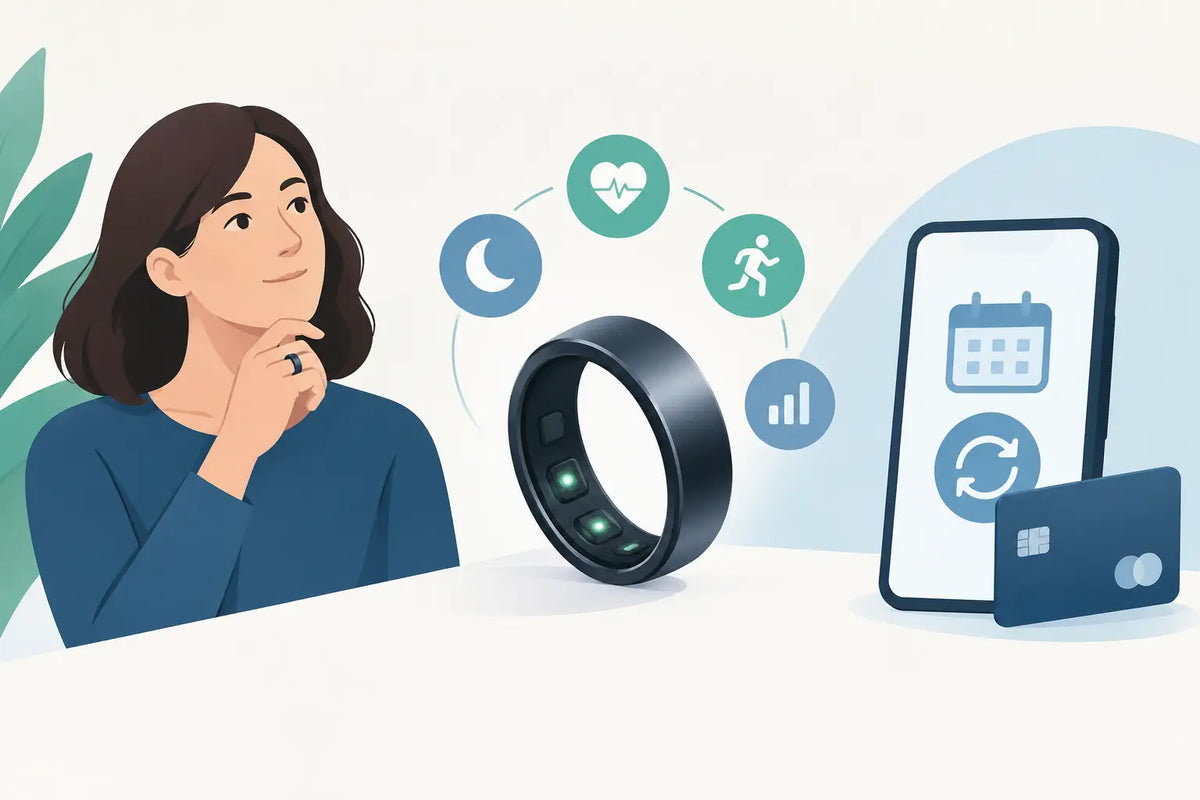
A new smartphone does not mean you will lose your previous data. Sign in to the same app account on the new device. Your saved data and settings will normally be restored as soon as you reconnect the ring.
First, disconnect the ring in the app on your old smartphone. Then install the app on the new device, turn on Bluetooth, and complete the standard pairing process. It is especially important that you do not accidentally create a second account. Otherwise, your previous sleep and activity history will not be immediately visible.
With a Fitorb Smart Ring Pro, the app guides you through the connection process step by step. This turns modern sensor technology from a technical project into a quick routine before you wear it for the first time.
After Pairing: Use Your Data Instead of Just Collecting It
Once the ring is connected, the exciting part begins. Do not look at every data point in isolation, and do not expect a medical diagnosis. A smart ring is a tool that helps you better understand your everyday life. Changes over several days or weeks are particularly helpful.
You may find that your sleep seems more restless after late screen time. You may also see less activity and a different recovery score on stressful workdays. Such observations can prompt you to make small changes to your habits: schedule an evening walk, keep your bedtime more consistent, or take more mindful breaks.
Give the ring some time to learn your personal patterns. The first few days provide a snapshot, but after two to three weeks, trends become much clearer. That is exactly the advantage of an elegant ring on your finger: it does not loudly remind you about your health; it accompanies you every day—and makes your progress visible when you are ready to take a look.

Leave a comment
This site is protected by hCaptcha and the hCaptcha Privacy Policy and Terms of Service apply.